Stop renting
somebody else’s
GPUs.
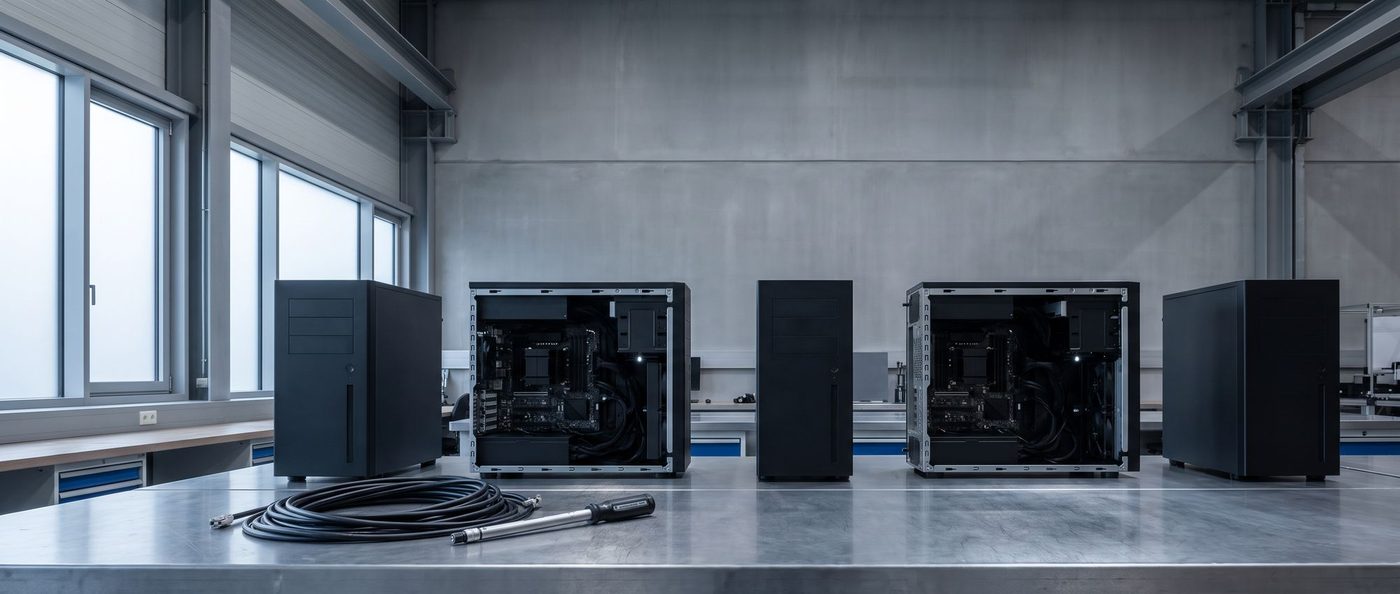
On-premise AI machines sized to the models you actually run — built, burned in and delivered already running your model, with its measured tokens/sec in the box.
An authorised partner.
NVIDIA
& AMD
Direct authorised partner with both.
Workstations
& servers
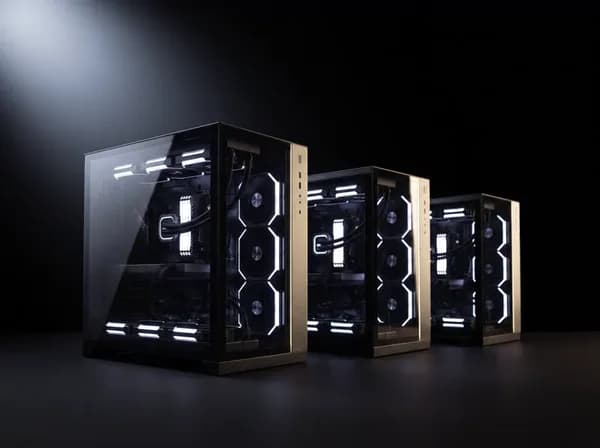
Single workstations and multi-GPU servers. We have passed procurement before.
We handle
the RMA
For the full coverage period. Lifetime build support.
Pan-India,
insured
GST invoice. EMI. Or collect from Baner.
We run local AI stacks here every day — on the same hardware we spec for you. When we tell you a machine will hold your model, it is because we have run one like it.
- LLM inference
Ollama and vLLM, daily - Voice synthesis
And avatar lip-sync - Image & video
Diffusion pipelines - Orchestration
Several models at once
- Colleges &
universitiesTeaching labs and research groups - Hospitals &
diagnosticsImaging and clinical research - Startups &
AI labsFounding teams training their own models - Large
companiesIn-house teams inside bigger organisations - Government
& researchPublic labs, through tender and GeM - Shipped
outside IndiaWe are not limited to the domestic market












How big is your model?
Ada · Blackwell
Ada · Blackwell
Blackwell · GDDR7
Scoped to the workload
Model sizes are a guide, not a limit. They assume 4-bit quantisation and normal context; higher precision needs more VRAM and moves you up a tier. We confirm the exact fit — and the measured tokens/sec — before you buy. VRAM figures are NVIDIA’s published specifications: RTX 4500 Ada and RTX PRO 4000 Blackwell 24GB, RTX 5000 Ada 32GB, RTX PRO 5000 Blackwell 48GB, RTX PRO 6000 Blackwell 96GB.
What is inside them.
Every machine here is an NVIDIA accelerator on an AMD platform. One holds the model, the other keeps it fed.
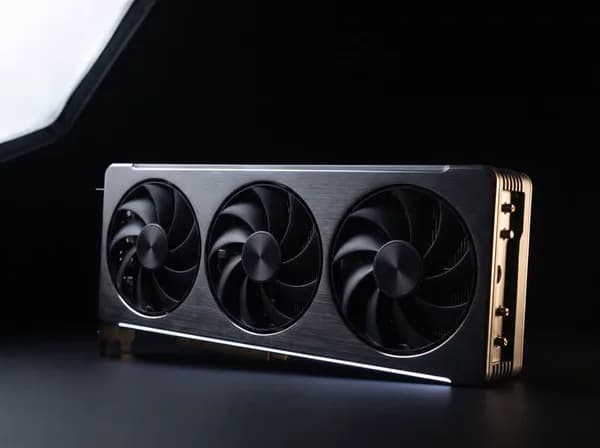
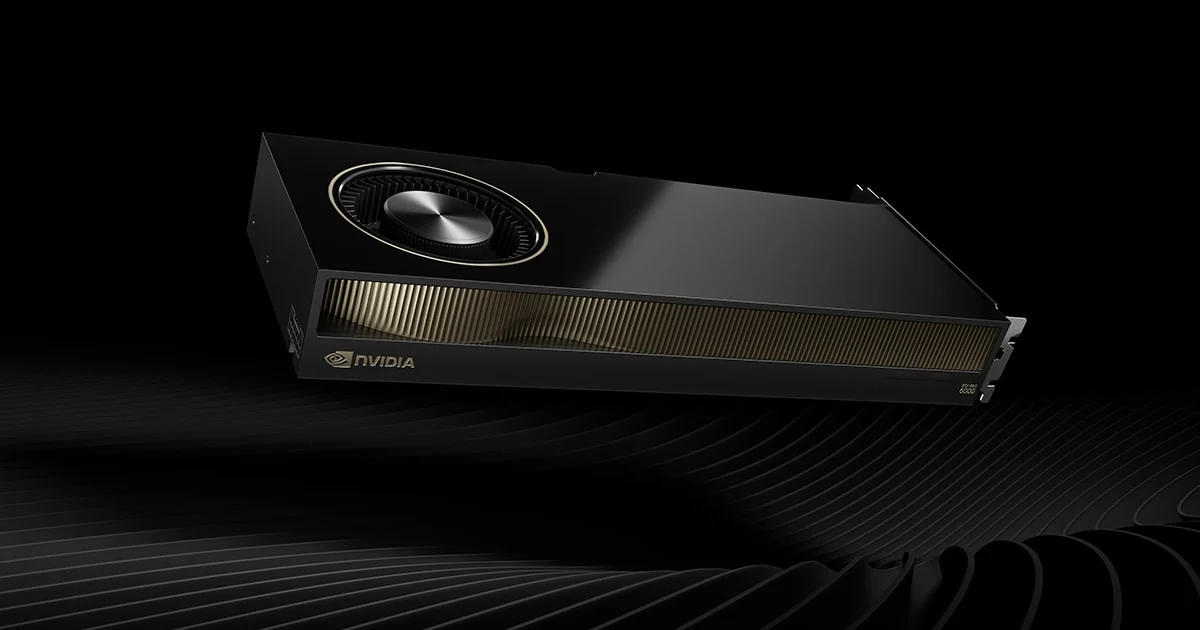 RTX PRO 6000 Blackwell
The silicon
AI is built on.
CUDA is why it simply works. Every serious framework is written for NVIDIA first, so your time goes on models rather than on compatibility.
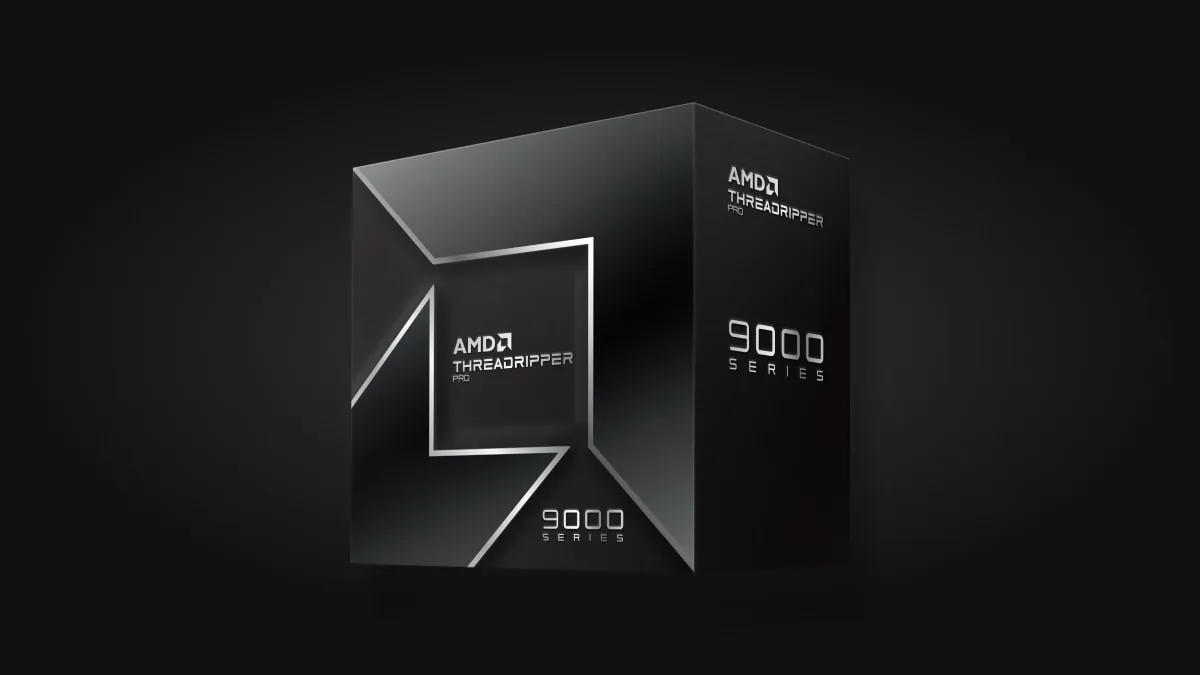 Threadripper PRO · EPYC
The platform
never bottlenecks.
Multi-GPU AI lives and dies on the CPU platform. A gaming board runs out of lanes, memory and cooling fast. Threadripper PRO and EPYC do not.
Tokens per second.
| ModelWhat you run4-bit quantisation | 01 · Entry₹4.5L24GB · RTX 4500 Ada | 02 · Pro₹8.5L48GB · RTX PRO 5000 | 03 · Flagship₹20L96GB · RTX PRO 6000 |
|---|---|---|---|
gpt-oss 20B | ~45tok/s | ~139tok/s | 185tok/s |
DeepSeek-R1 32B | ~15tok/s | ~48tok/s | 64tok/s |
Gemma 3 27B | ~15tok/s | ~46tok/s | 61tok/s |
Qwen3 32B | ~14tok/s | ~42tok/s | 56tok/s |
Llama 3.3 70B | Does not fit | ~24tok/s | 32tok/s |
gpt-oss 120B | Does not fit | Does not fit | 134tok/s |
Where these come from. The Flagship column is published third-party benchmarking of the RTX PRO 6000 Blackwell on Ollama, single stream — Database Mart, corroborated by community results putting 70B-class models at 24–31 tok/s on that card. The Entry and Pro columns are estimates scaled by memory bandwidth, because token generation is bandwidth-bound rather than compute-bound — they are not measurements, and are marked as such. Every figure here is replaced by one we measure on your machine, on your model, before it ships. That sheet goes in the box.
Should you even buy one?
Below a certain amount of use, renting genuinely wins — and we would rather you knew that now than after the invoice. Put your real numbers in.
At 8 hours a day on this rate, the Pro machine is cheaper than renting over three years — and you still own it at the end.
| Over | 1 year | 2 years | 3 years |
|---|---|---|---|
| Renting | ₹4,35,080 | ₹8,70,160 | ₹13,05,240 |
| Owning | ₹3,66,902 | ₹5,53,720 | ₹7,04,521 |
| Difference | +₹68,178 | +₹3,16,440 | +₹6,00,719 |
How this is worked out. Net cost is the price less recoverable GST where you can claim it. Owning adds electricity at ₹10.11/kWh (MSEDCL LT-II commercial, Maharashtra) on a loaded 0.60–1.25 kW draw, maintenance at 2% a year, and credits back resale at 55/35/20% after 1/2/3 years. Cloud rates are published list prices per GPU-hour and exclude storage, egress and idle time — which means the real cloud bill is usually higher than shown here. Equal VRAM is not equal speed; we normalise that against measured tokens/sec in your actual quote. This is an estimate to think with, not a quotation.
What people actually run.
Three families of work, one set of machines — but they want very different builds. Find yours.
 01
01Language models
Anything where the answer is text. VRAM decides everything here — the model either fits on the card, or it crawls.
 02
02Generative & creative
Pixels rather than tokens. Stills are undemanding; video is what forces the bigger machine.
 03
03Science & simulation
Research computing. Half of it is not GPU work at all — and we will tell you when yours is not.
Tell us the software by name, not the category. If it turns out to be CPU-bound we will quote you a Threadripper instead of a GPU — a cheaper machine, and a worse sale for us.
Tell us your workload →We set the
whole thing up.
Free.
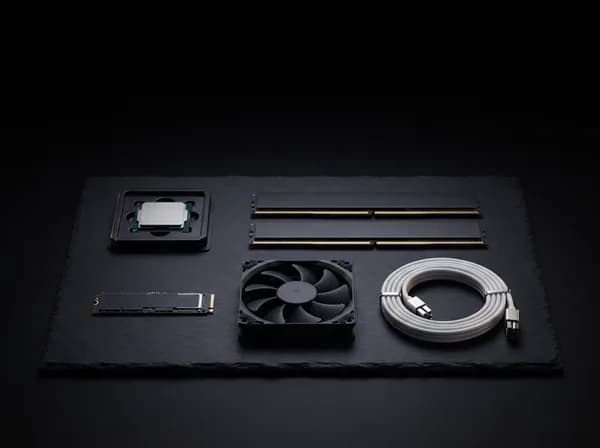
Your machine arrives with the stack installed, your model already loaded and answering, and the first job running before we hand it over.
Setup is part of every machine, not an offer that runs out. Before it leaves, we benchmark it on the models you plan to run, so you see its real speed on your own work first.
Get my build spec No cost · no deposit · reply in 4 working hours01NVIDIA drivers, CUDA and cuDNN — version-matched to your stack02Python environment — PyTorch or TensorFlow, your choice03Ollama, vLLM or llama.cpp — configured, not just installed04Your model, downloaded and quantised — chatting before the machine is boxed05Docker + NVIDIA Container Toolkit — for your own images06ComfyUI or A1111 with SDXL — if generative work is in scope07A private RAG demo on your documents — optional, and the one people remember08An onboarding call — to get your first real job running
Including the one that catches everybody: Blackwell cards need nvidia-driver-580-open on Ubuntu rather than the standard branch. That is a week of forum threads you will never have.
- Day 0 · two minutesTell us the workload
The software, the model, roughly how much of it. A form, or a message on WhatsApp.
- Within 4 working hoursItemised spec and price
Named parts, no padding, and the tier we think you need — including when that is a smaller one.
- Days 1–5Built, burned in, benchmarked
Assembled in Baner, run under sustained load, your stack installed and your model measured on the machine.
- Day 7Delivered and running
Insured pan-India or collected from the workshop, then an onboarding call on your first real job.
What else you’re looking at.
You are weighing us against four alternatives, so here they are, compared straight. Where one of them is the better answer for your workload, we say so — you would find out anyway, and it is cheaper for both of us if you find out now.
NVIDIA DGX Spark
Compact, 240W, NVIDIA’s own stack
You want a lot of memory in something the size of a book, you are happy on ARM, and you want it to work out of the box with nothing configured. It is a genuinely good machine.
You need discrete-VRAM bandwidth — unified memory is far slower to read — or x86 and CUDA compatibility with tooling you already run, or room to add a second card later, or somebody in Baner who answers the phone.
A single RTX 5090 build
The most speed per rupee
Your models fit inside 32GB and raw speed per rupee is what matters. For small and mid models it is excellent — and we will happily build you one.
Your model does not fit in 32GB, or the machine has to sit at 100% for days at a time. Professional cards bring ECC memory, a 24/7 duty rating, and a warranty written for continuous load.
Mac Studio, maxed
Silent, small, one box
Memory capacity is the only axis you care about, and you can live with slower generation. Nothing else gives you that much addressable memory for the money.
You need prefill speed, FP4 acceleration or CUDA tooling. And nothing in an Apple machine can be upgraded after purchase — the configuration you buy is the one you keep.
Renting GPUs
Across Indian and global providers
You use it a few hours a day, your work is bursty, or you occasionally need more machines than you could ever own. Below your break-even point, renting genuinely wins — the calculator above shows where that line is.
You cross the break-even line, or your data cannot leave the building. Those are the only two reasons, and they are enough on their own.
Prices as published at the time of writing. DGX Spark as listed in India in October 2026; rental rates are published list prices per GPU-hour across AWS, Azure, GCP, E2E, NeevCloud, RunPod and others. We have not benchmarked a Spark or a Mac Studio ourselves — those comparisons are from published specifications, and we will say so rather than pretend otherwise.
Ask us which one you need →The questions we get.
Answered the way we would answer them on the phone.
Should I just wait for the next generation?+
There is always a next generation, and in India the gap between an announcement and stock on a shelf is usually six to twelve months. The honest test is simple: if your current machine is holding up work today, buying now is right. If it is not, waiting costs you nothing. Tell us which it is and we will say so plainly.
What does it actually cost to run?+
A Pro machine draws roughly 0.94 kW under sustained load. At Maharashtra commercial rates (₹10.11/kWh) that is about ₹9.50 per hour of real GPU work — near enough ₹2,300 a month at eight hours a day. Budget for a UPS as well; these are not machines you want losing power mid-run.
Who fixes it if it breaks?+
Full manufacturer warranty on every component, and we handle the RMA for the entire coverage period — you deal with us, not with a vendor’s support queue. Beyond that, lifetime build support on WhatsApp. If it is a build fault we fix it; if it is a failed part we replace it.
How much VRAM do I actually need?+
Roughly the parameter count in gigabytes at 4-bit — a 32B model wants about 22GB, a 70B about 48GB. Higher precision multiplies that, and training needs three to four times what inference needs for the same model. The tier table above does this arithmetic, and we confirm the exact figure before you buy anything.
Can I start with one GPU and add another later?+
Yes, and we plan for it. We spec the platform and power supply with headroom so a second card drops in at full PCIe x16 later without a rebuild. Mention it on the form and we will size the PSU and the case accordingly from the start — it costs very little now and a great deal later.
Do you build multi-GPU servers?+
Yes — multi-GPU servers on AMD EPYC platforms, with ECC memory and redundancy. We do not build multi-node clusters. GST invoicing and volume pricing as standard. We have delivered a multi-GPU server to a university AI research lab, so the procurement side is familiar ground.
Windows or Linux?+
Ubuntu unless you ask otherwise — effectively all AI tooling targets Linux first, and you will spend less time fighting it. We can dual-boot if you need Windows for other work. One specific note: Blackwell cards need nvidia-driver-580-open on Ubuntu, not the standard driver branch. That one catches almost everybody.
Do you ship outside Pune?+
Insured, tracked and double-boxed, anywhere in India — GPU-heavy builds get extra packing because they are heavy in exactly the wrong place. Or collect from the Baner workshop and watch it run before you take it away.
What if I do not know what I need?+
That is the most common message we get, and it is a perfectly good place to start. Tell us what you are trying to do in plain words — the software, the model, roughly how much of it. Free consultation and workload audit, and if the answer is that you do not need a new machine yet, we will tell you that.
Can we see one before we commit?+
Yes. The workshop is in Baner and visits are welcome — you can watch a machine run your own model before any money changes hands. For institutional buyers we can also supply a formal quotation and specification document for your purchase committee.
Three ways this gets bought.
The machine is the same in all three. The money, the paperwork and the calendar are not.
You,
personally
A researcher, a founder, or somebody who has simply had enough of the meter running.
“Is this actually cheaper than just renting?”
It depends entirely on how many hours a day the GPU is busy — and below a certain number, the honest answer is no.
- We will tell you to keep renting when the hours say so. The calculator above is the same arithmetic we run before quoting.
- Itemised quote, no deposit, no lock-in. Every part named, so you can price it against anyone else.
- Start smaller and add a card later. The platform has the lanes and the power for a second GPU — buying the tier you need today does not close that door.
Your
company
Startup, SMB, or a team inside a corporate — somebody has to sign it off.
“What happens when it breaks, and can our data leave the building?”
Capex needs a date and a fallback attached before anyone approves it. Regulated data usually cannot go to an external API at all.
- GST invoice. The 18% comes back as input credit, so the number that lands on your books is the price divided by 1.18.
- A fixed seven-day build — the sign-off gets a date, not an estimate.
- On-site in Pune, RMA handled by us pan-India. You deal with us, not with a manufacturer’s support queue.
- Air-gapped by default. Nothing on this machine has to touch an external API — which is the whole reason most companies buy one.
Your
institution
A college, a hospital or a government lab, with a committee and a tender between you and the machine.
“Can you actually work with our process?”
We have been through this before, and the documents are routine. The calendar is the difficulty — a purchase committee, an L1 comparison and an acceptance test do not fit inside a four-hour quote.
- Formal quotation on letterhead with a specification sheet your committee can attach, and a GST invoice.
- GeM-ready. The ₹4.5L and ₹8.5L machines sit inside the L1 comparison band.
- Above ₹10L normally requires online bidding or reverse auction — the flagship usually goes to competitive bid.
- DPIIT startup and MSE registrations where relaxations apply to EMD and prior-turnover conditions.
- Installation acceptance and a written support escalation path.
- Delivered before: a multi-GPU server for a university AI research lab.
Tell us what you
need to run.
Four working hours to a real answer, seven days to a machine. And if renting is still the better call for you, we will say that instead.