Gaming PC Build in India 2026: Budget & Step-by-Step
A comprehensive guide to choosing and building a gaming PC in India in 2026. Covers GPU and CPU selection, RAM, storage, PSU, budget breakdowns from ₹1L to ₹3L+, and grey market warnings.
Gaming PC Build Guide India 2026 — Parts, Budget & What to Avoid
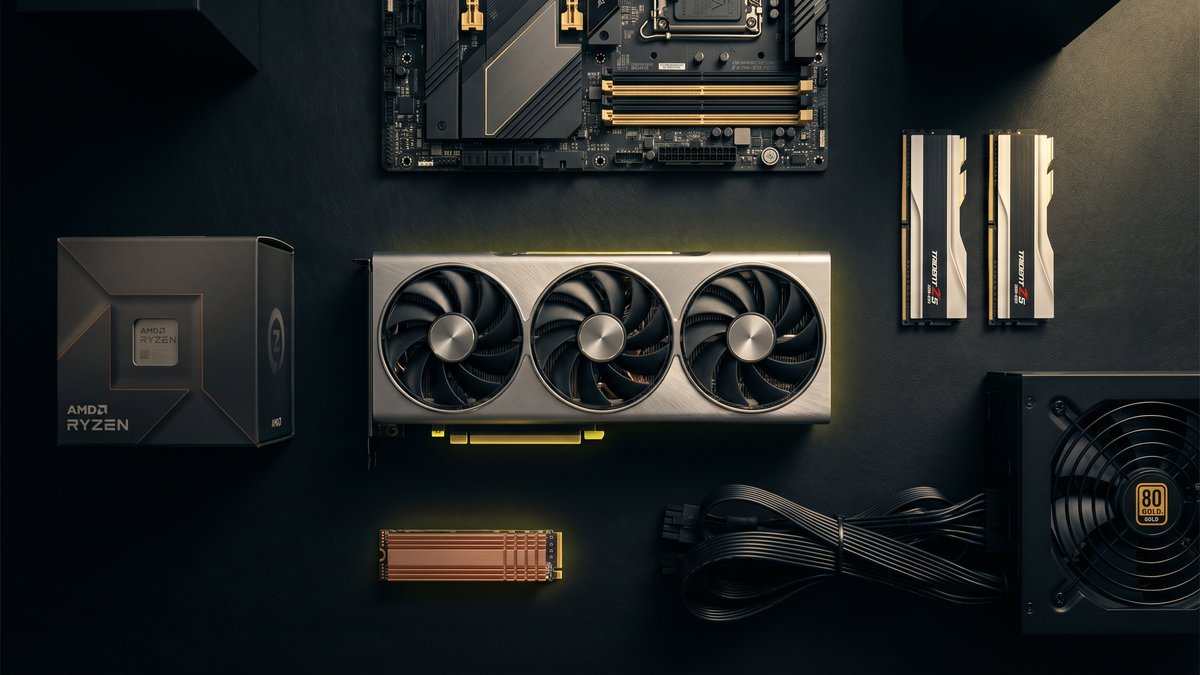
Building a gaming PC in India in 2026 is not the same as reading a YouTube build guide from the US or Europe. The GPU market here behaves differently. Warranty rules are different. The grey market is real and will burn you if you don't know what to look for. Pricing relative to MSRP moves based on dollar exchange rates and import duties.
This guide is written from a workshop perspective — we've built hundreds of custom PCs in Pune and see the same mistakes repeatedly. It covers every component category, what matters, what doesn't, and how to spend your budget where it actually counts.
If you want to plan your build component by component, use our PC Builder tool — it handles real-time compatibility checking. If you want us to build it for you, keep reading and skip to the end.
Start with the GPU — Everything Else Follows
The GPU determines what you can play, at what resolution, and at what frame rate. Everything else in the system exists to feed it efficiently. Pick the GPU first, then size the rest of the build around it.
RTX 5060 Ti 16GB — The Correct Choice for 1440p in 2026
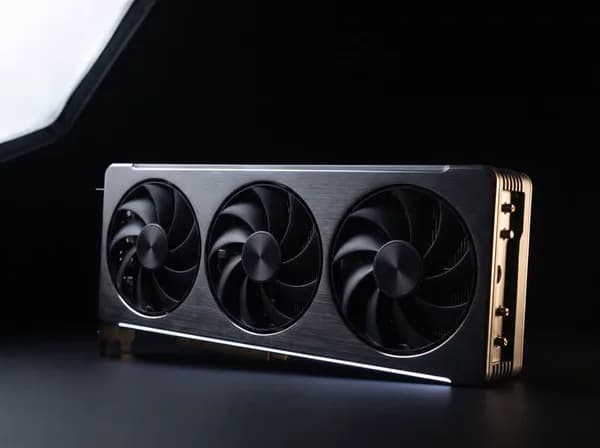
The RTX 5060 Ti 16GB is the most important GPU release for the India market in 2026. It sits at a price point (₹45,000–₹55,000 depending on variant) that makes 1440p gaming at high settings genuinely accessible, and the 16GB VRAM is meaningful — modern titles at 1440p with texture packs push past 8GB regularly.
The 8GB variant of the 5060 Ti is cheaper but should be avoided. VRAM doesn't get faster to add later. Buy 16GB now.
This GPU pairs correctly with a Ryzen 5 9600X or Ryzen 7 9700X at 1440p. Do not overspend on a CPU to pair with this GPU — the CPU is not the bottleneck at this tier.
RTX 5070 — When You're Targeting 4K
The RTX 5070 (12GB) is the correct step up if you're running a 4K monitor or want headroom for the next 3–4 years without upgrading. In India it lands at approximately ₹70,000–₹85,000 depending on the board partner variant.
At this tier, the CPU matters more. A Ryzen 7 9700X or Intel Core Ultra 7 265K removes the CPU as a bottleneck at 4K high refresh rates.
RX 9070 XT — The AMD Alternative
AMD's RX 9070 XT performs close to the RTX 5070 at a slightly lower price in India and is a legitimate alternative if you don't need DLSS specifically. Rasterisation performance is strong. The caveat: driver support in India has historically been less consistent for warranty claims — factor that into your decision if you're not confident handling driver issues yourself.
Choosing Your CPU
For Gaming (1080p–1440p): Ryzen 5 9600X
The Ryzen 5 9600X (6-core, 5.4GHz boost) is the correct gaming CPU at its price point in India (₹18,000–₹22,000). Gaming is largely single-threaded — more cores above 6 do not translate to higher frame rates in titles like Valorant, GTA V, or even Cyberpunk 2077 at 1440p.
Do not spend ₹35,000+ on a CPU to pair with an RTX 5060 Ti. That money belongs in the GPU or storage.
For Gaming (1440p–4K) or Light Content Work: Ryzen 7 9700X
The Ryzen 7 9700X (8-core, 5.5GHz boost) is the step up when you're pairing with an RTX 5070+ or doing a combination of gaming and content creation — streaming while gaming, light video editing, frequent background tasks. In India it lands at ₹28,000–₹34,000.
For Workstation / Creator / AI Workloads: Ryzen 9 9950X3D or Intel Core Ultra 9
If your use case is primarily video editing (Premiere, DaVinci), 3D rendering (Blender, V-Ray), or local AI inference, the CPU matters significantly more. The Ryzen 9 9950X3D's 3D V-Cache gives it a meaningful advantage in simulation and rendering workloads. Budget ₹60,000+ at this tier and pair with 64GB DDR5.
RAM — 32GB DDR5 Is the 2026 Baseline
32GB (2×16GB) DDR5 is the correct configuration for a gaming build in 2026. 16GB is technically sufficient today for most games, but several titles are pushing past 16GB in system memory alongside background tasks — browser tabs, Discord, streaming software.
Speed matters on AMD platforms. Ryzen 9000-series CPUs have an internal fabric (Infinity Fabric) that runs most efficiently when RAM is at DDR5-6000. Buy DDR5-6000 CL30 specifically — not DDR5-4800, not DDR5-7200. DDR5-6000 CL30 is the sweet spot for price-to-performance on Ryzen.
On Intel platforms the sensitivity to RAM speed is lower. DDR5-5600 or DDR5-6000 both perform similarly.
Brands to buy from authorized distributors in India: G.Skill Trident Z5, Corsair Dominator, Kingston Fury Beast. Buy in a kit (2×16GB) not as individual sticks — kits are tested for compatibility together.
Storage — Gen 4 NVMe for Your OS Drive, Minimum
OS and primary games drive: 1TB Gen 4 NVMe (PCIe 4.0 x4). The WD Black SN850X and Samsung 990 Pro are the benchmark drives. The difference in load times between Gen 3 and Gen 4 is real for open-world titles with large asset streaming.
Do not buy a SATA SSD as a primary drive in a new build in 2026 — the price gap between SATA and Gen 4 NVMe has narrowed enough that there is no reason to accept lower bandwidth on a fresh system.
Secondary storage: Gen 3 NVMe or SATA SSD is fine for a secondary games library drive — the games are already loaded, you're not streaming from it at high frequency.
Capacity: Start with 1TB. Add a 2TB secondary if you have a large game library or work with large files. Do not buy a spinning hard drive for a new gaming build in 2026.
Power Supply — Don't Underspec This
The PSU is the component that destroys everything else when it fails. A cheap PSU under load will crash your system, corrupt your storage, and in the worst case damage your GPU.
Rules for India:
- 80+ Gold minimum — anything below is too inefficient under Indian climate conditions (ambient temps affect PSU efficiency directly)
- Size correctly with 20% headroom — an RTX 5060 Ti + Ryzen 5 9600X system needs 650W at peak. Buy a 750W Gold unit, not a 550W to save ₹2,000.
- Brands with real India warranty support: Corsair, Seasonic, be quiet!, Cooler Master. These brands have authorized service centres or distributor support in India. Many cheaper PSU brands on Indian e-commerce are grey market imports with no warranty path.
- Avoid no-name units entirely — ₹3,000 PSUs that claim 650W do not deliver 650W. They claim it on the label and fail at 450W under real load.
Cooling — Stock Coolers Are Insufficient
No AMD Ryzen 9000-series CPU ships with a cooler in box. Intel does ship one, but it is not adequate for sustained gaming or productivity loads in Indian ambient temperatures (28–38°C in Pune summers).
Air cooling: A 120mm–140mm tower cooler (DeepCool AK620, Thermalright Peerless Assassin) handles a Ryzen 5 9600X or 9700X cleanly and costs ₹3,000–₹5,000. Do not skip this.
AIO liquid cooling (240mm or 360mm): Recommended for Ryzen 9 or Intel Core Ultra 9 CPUs with high TDPs, or for case builds where airflow is restricted. Budget ₹8,000–₹15,000 for a reliable AIO from Lian Li, Corsair, or Cooler Master.
Thermal paste: If you buy a pre-applied AIO or a boxed cooler, the factory paste is adequate. If you're applying manually, use Thermal Grizzly Kryonaut or Noctua NT-H1. Do not use the paste included in cheap aftermarket coolers.
Case — Airflow Beats Aesthetics
A PC case that looks good but restricts airflow will throttle your GPU by 5–10% in sustained loads. In Indian summers this becomes a real problem.
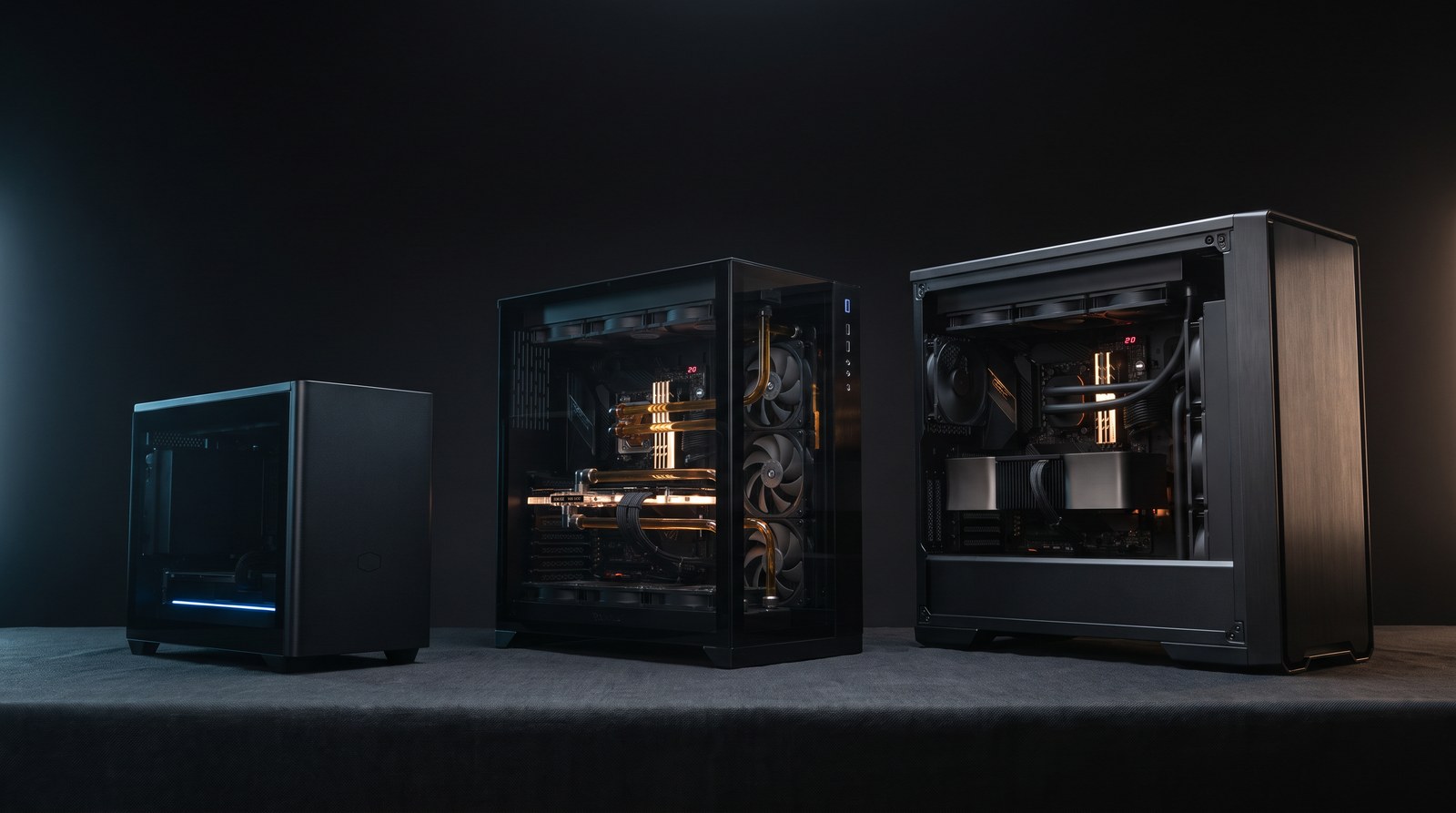
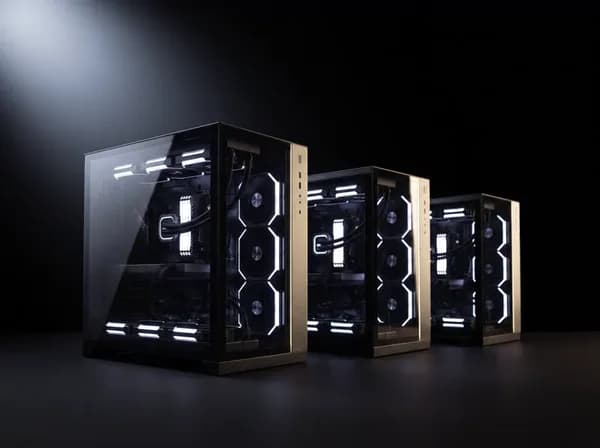
What to look for: Mesh front panel, at least two intake fans included, room for a 240mm or 360mm AIO if needed. Lian Li Lancool, Fractal Design, and Cooler Master HAF series are reliable for airflow.
What to avoid: Solid front panels with small vents (common in budget cases marketed on aesthetics), tempered glass front panels with no mesh, pre-installed fans with no static pressure rating.
Budget Breakdowns for India (2026)
₹1–1.25L — Entry Gaming (1080p / 1440p)
- GPU: RTX 5060 Ti 8GB (or stretch for 16GB — recommended)
- CPU: Ryzen 5 9600X
- RAM: 32GB DDR5-6000
- Storage: 1TB Gen 4 NVMe
- PSU: 750W 80+ Gold
- Cooling: 140mm tower air cooler
- Motherboard: B850 or B650 (AM5)
- Case: Mid-tower mesh
₹1.5–2L — Mid-Range (1440p / Early 4K)
- GPU: RTX 5060 Ti 16GB or RTX 5070
- CPU: Ryzen 7 9700X
- RAM: 32GB DDR5-6000
- Storage: 1TB Gen 4 NVMe + 2TB secondary
- PSU: 850W 80+ Gold
- Cooling: 240mm AIO
₹3L+ — High-End / Creator / Workstation
- GPU: RTX 5070 Ti or RTX 5080
- CPU: Ryzen 9 9950X3D or Intel Core Ultra 9
- RAM: 64GB DDR5-6000
- Storage: 2TB Gen 4 NVMe + 4TB secondary
- PSU: 1000W 80+ Gold
- Cooling: 360mm AIO
Use our PC Builder tool to configure it online →
The Grey Market Problem in India
Buying PC components in India requires one critical check: is the seller an authorized distributor?
Grey market parts — imported without going through official channels — do not have Indian warranty support. When a GPU fails after 8 months, you cannot claim warranty at the brand's service centre. You are told to contact the importer, who may or may not exist.
Authorized distributor imports come with the manufacturer's official warranty enforceable in India. Every component NVSX sells is sourced from authorized channels only — AMD, ASUS, Corsair, Intel, Lian Li, MSI, NVIDIA, Razer, Samsung. If you're buying parts yourself, verify the seller is listed as an authorized partner on the brand's official India website before you purchase.
See our recent builds → to see what authorized-channel sourcing looks like in finished form.
Build It Yourself — or Get It Built?
Self-building is genuinely rewarding and not technically difficult with modern components. Everything is keyed to slot in one way. If you enjoy the process, you should do it.
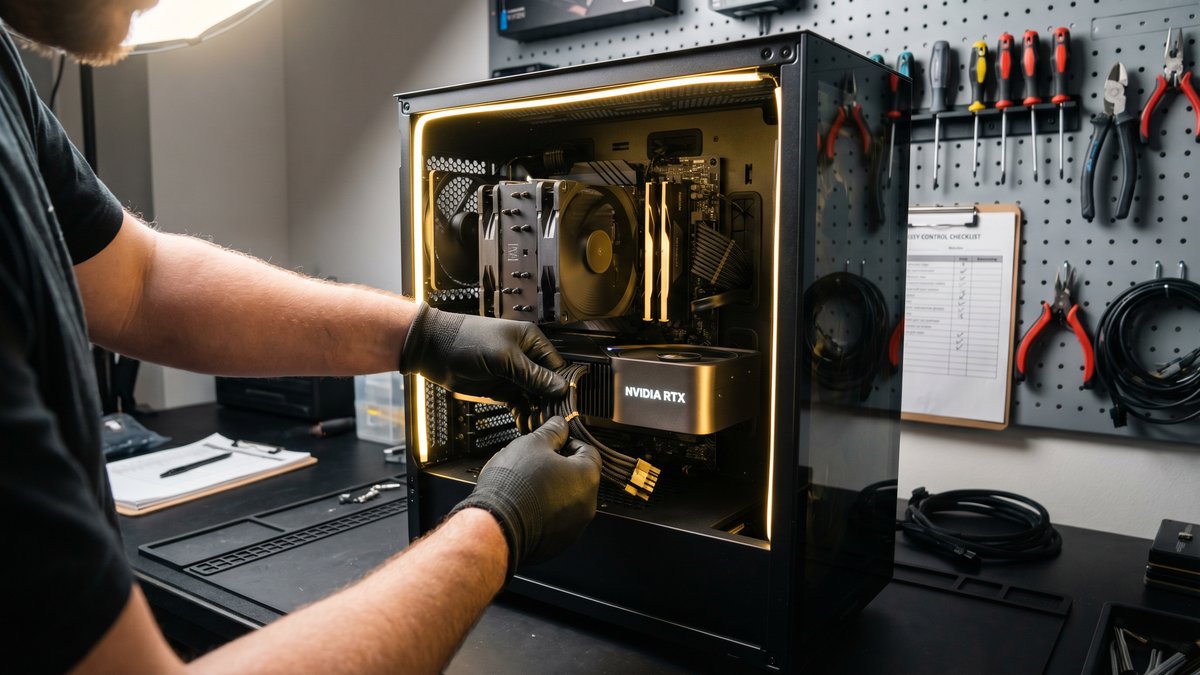
If you want the outcome without the process — someone to spec it correctly, source verified parts, assemble it properly, and stress-test it before it reaches you — that's what we do.
"Ready to get it built? Read how our build process works in Pune.
See our custom PC builds page → Get a free quote — reply in 4–8 hours →
Published by Gaurav, Co-founder at NVSX. Building custom PCs in Pune since 2018. Authorized partner: AMD, ASUS, Corsair, Intel, Lian Li, MSI, NVIDIA, Razer.