How Much Should You Spend on a PC? Real Budgets by Use Case, India 2026
What a PC really costs in India at October 2026 prices, by use case: 1080p esports, 1440p and 4K gaming, local AI, editing and CAD. Every figure links to a public retailer listing, review or spec sheet, and memory is now the swing cost.
How much should you spend on a PC in India right now?
For the parts, at October 2026 prices in India: about ₹1.3 lakh for 1080p competitive gaming, ₹1.85–2.2 lakh for 1440p, ₹2.4–3.35 lakh for 4K, ₹1.75–2.05 lakh for local AI on a 16GB graphics card, and ₹2–3.75 lakh for video editing. This year's swing cost is memory: 32GB of DDR5 costs as much as a graphics card.
What decides the budget
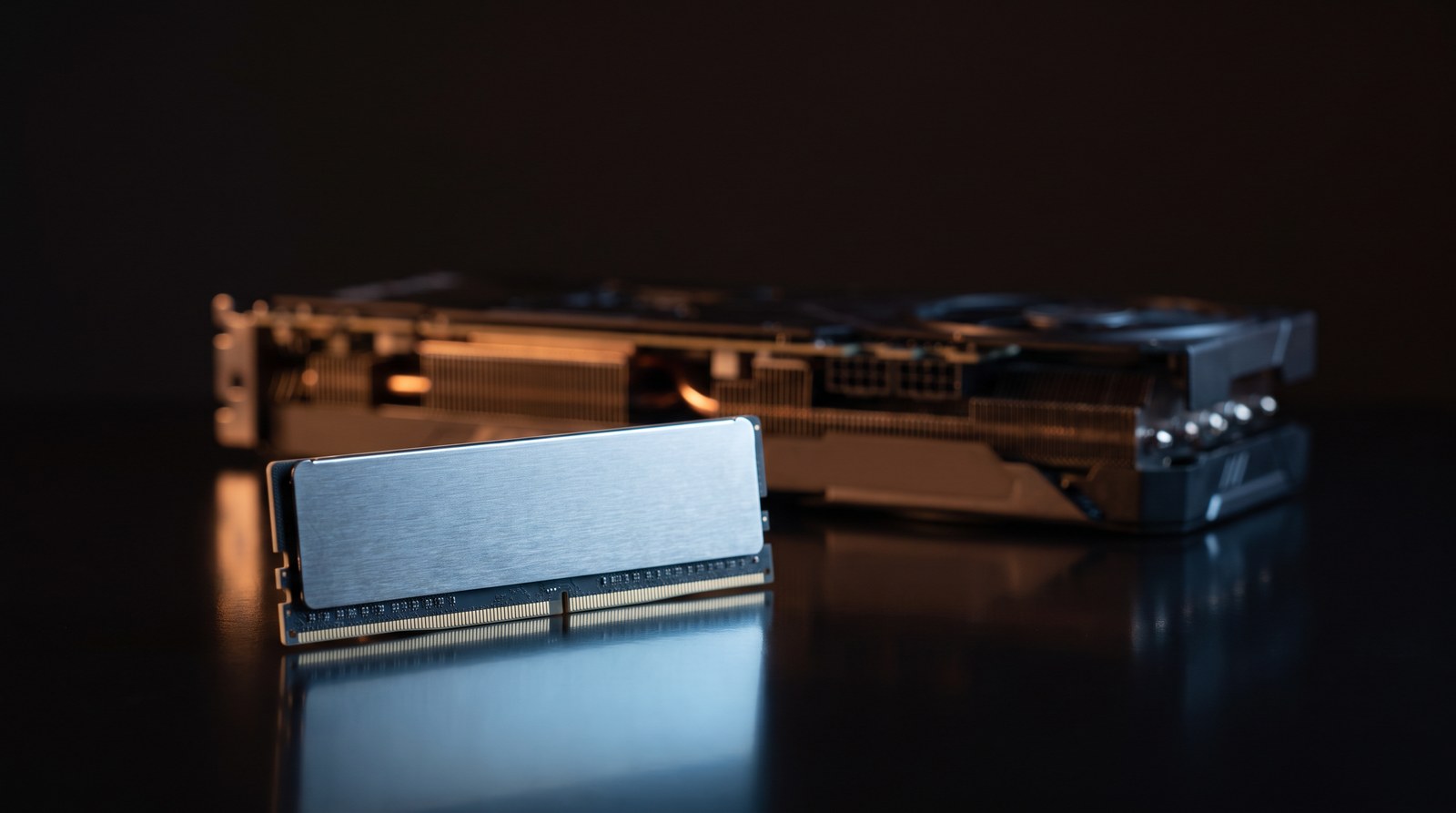
A PC's price is mostly two parts: the graphics card and, in 2026, the memory. A memory shortage ("the memory crisis", in TechSpot's words) reached Indian shelves in August. TechSpot's price survey of ten countries singled out India, "where gamers are getting absolutely rolled", and found AMD's cards more resistant to the rises, partly because they use GDDR6 rather than NVIDIA's GDDR7. System memory has gone the same way: the cheapest 32GB DDR5 kit we found in stock, at ₹48,999, costs the same as a Radeon RX 9060 XT 8GB at ₹48,950.
Every price below is the lowest in-stock listing we found on 18 October 2026 at Vedant Computers, MDComputers and Amazon.in (ignoring third-party import listings), GST included, cross-checked against the GPU Prix India tracker. Build totals are parts only: no monitor, Windows licence or assembly. A builder's price adds what a parts list leaves out (assembly, Windows, burn-in testing and warranty handling), so a finished machine costs more than these totals.
The numbers that matter
| Part | Lowest in-stock price | Tom's Hardware avg fps, 1440p Ultra | 4K Ultra |
|---|---|---|---|
| Radeon RX 9060 XT 8GB | ₹48,950 | 62.5 | 29.7 |
| GeForce RTX 5060 8GB | ₹54,000 | 59.8 | 21.8 |
| Radeon RX 9060 XT 16GB | ₹60,400 | 67.3 | 35.2 |
| Radeon RX 9070 16GB | ₹77,450 | 104.0 | 57.7 |
| GeForce RTX 5060 Ti 16GB | ₹90,999 | 73.4 | 40.2 |
| Radeon RX 9070 XT 16GB | ₹92,500 | 116.5 | 65.8 |
| GeForce RTX 5070 Ti 16GB | ₹1,50,200 | 116.8 | 68.6 |
| GeForce RTX 5080 16GB | ₹1,84,999 | 128.3 | 77.4 |
| DDR5 32GB kit (2×16GB) | ₹48,999 | — | — |
| DDR5 64GB kit (2×32GB) | ₹1,13,680 | — | — |
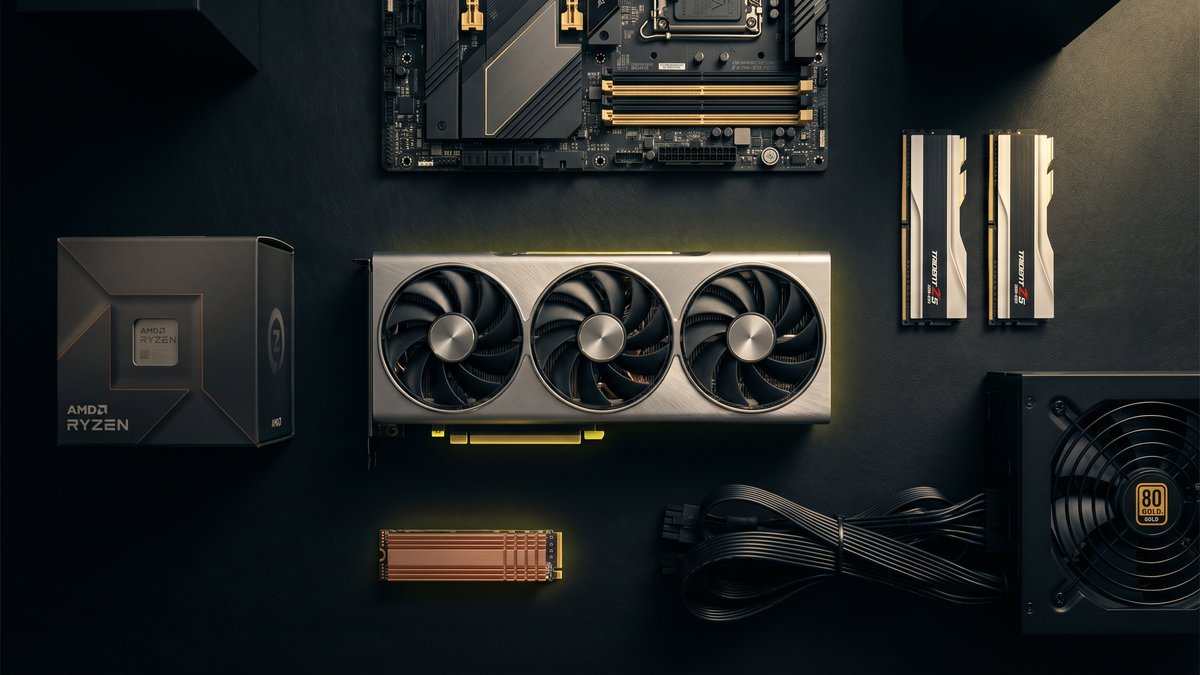
Frame rates are Tom's Hardware's 2026 suite averages on a Ryzen 7 9800X3D. The build totals below also include a ₹6,300–10,600 motherboard, a WD Green NVMe drive (₹14,999 for 1TB, ₹23,999 for 2TB), an MSI MAG Gold power supply (₹7,535–8,950), a ₹3,300 Cooler Master case and, where the processor comes without one, a ₹2,750–4,650 cooler.
Gaming: the resolution sets the budget
1080p competitive: about ₹1.3 lakh. Competitive shooters ask little of the graphics card (Counter-Strike 2's minimum is a 1GB DirectX 11 card), so at 1080p the processor usually sets the ceiling. Tom's notes that even a Ryzen 7 9800X3D "can only do so much when a powerful card becomes CPU-bound." It rates the RX 9060 XT 8GB and RTX 5060 the best performance per dollar at 1080p, and in India the Radeon is ₹5,050 cheaper. With a Ryzen 5 7600 and 16GB of DDR5, what Battlefield 6 recommends, the total is ₹1,30,433. On a 240Hz-plus monitor, put the next ₹22,550 into a Ryzen 7 7800X3D and a cooler, not a bigger card.
1440p: ₹1.85–2.2 lakh. Here 8GB starts to hold a card back: with ray tracing at 1440p, Tom's measured the RTX 5060 Ti 8GB at 26.6 fps against 38.9 for the 16GB version. AMD has the value right now. The RX 9070 beats the RTX 5070 (₹98,500), 104 fps to 96, and the RX 9070 XT matches the RTX 5070 Ti in raster for ₹57,700 less, though the 5070 Ti leads "by a wide margin" with ray tracing on. A Ryzen 5 9600X with an RX 9070 and 32GB of DDR5 is ₹1,84,683; a Ryzen 7 7800X3D with an RX 9070 XT is ₹2,18,533.
4K: ₹2.4 lakh and up. Tom's calls the RX 9070 XT "the cheapest way to get into 4K 60 FPS native gaming", which puts a 4K build with a Ryzen 7 9800X3D at ₹2,40,998. An RTX 5070 Ti takes it to ₹2,98,698 and an RTX 5080 to ₹3,33,497. The RTX 5090 is ₹9,62,899 for the card alone, nearly three times its 12-month median on GPU Prix. If 4K is a stretch, buy 1440p and a better monitor.
Local AI: VRAM first, RAM second, CPU last
The first question is whether the model fits in the graphics card's memory (VRAM). NVIDIA calls text generation "a memory-bound operation": speed depends on how fast the model can be read. llama.cpp can split an oversized model between the card and system RAM, but the part in system RAM runs at system-memory speed: about 96 GB/s for dual-channel DDR5-6000 (6,000 MT/s × 8 bytes × 2), against 448 GB/s on an RTX 5060 Ti and 896 GB/s on an RTX 5070 Ti. So: VRAM first, enough system RAM to hold any overflow second, the processor last.
| Model (Ollama default, 4-bit) | Download | Smallest card it fits |
|---|---|---|
| Qwen3 8B | 5.2 GB | 8 GB |
| Qwen3 14B | 9.3 GB | 12 GB |
| gpt-oss 20B | 14 GB | 16 GB |
| Qwen3 32B | 20 GB | 24 GB |
| Llama 3.3 70B | 43 GB | 48 GB |
| gpt-oss 120B | 65 GB | 80 GB |
Precision changes these numbers: llama.cpp's own table puts Llama 3.1 8B at 4.58 GiB in 4-bit, 7.95 GiB in 8-bit and 14.96 GiB at 16-bit. The conversation needs memory too, about 2 GB for 4,096 tokens on a 7B model in NVIDIA's worked example, so leave headroom.
16GB card: ₹1.75–2.05 lakh. The RX 9060 XT 16GB is the cheapest 16GB card we found. Ollama supports it through ROCm on Linux; on Windows its ROCm list stops at the RX 7000 series, so newer Radeons use its Vulkan backend. It is slower too, at 322 GB/s. The RTX 5060 Ti 16GB costs ₹90,999. With a Ryzen 5 7600, 32GB of DDR5 and a 2TB drive, the build is ₹1,72,883 with the Radeon or ₹2,03,482 with the GeForce. If you also want image generation or training, check that your tools support AMD before saving the ₹30,599.
32GB card: about ₹4.25 lakh. For 30B-class models with long contexts, AMD's Radeon AI PRO R9700 (32GB, ₹2,32,800) costs less than any in-stock 24GB card we found, such as the ₹3,61,580 RTX PRO 4000 Blackwell. With a Ryzen 7 9700X and 64GB of DDR5 it builds to ₹4,25,279; NVIDIA's 32GB RTX 5090 costs more than twice that on its own. Llama 3.3 70B fits on neither without splitting. For 48GB and up, or a machine tuned to one model, that is an AI workstation conversation.
Editing and content creation: memory is the bill
Two published guides set the range. Adobe's requirements for Premiere (updated 7 October 2026) recommend 16GB of RAM for HD, "32 GB or more for 4K and higher", and 8GB of GPU memory. Puget Systems, which builds editing workstations, sets far higher minimums: 64GB for 1080p and 96GB for 4K in both Premiere Pro and DaVinci Resolve, with 8GB of VRAM for 4K in Premiere and 12GB in Resolve. Puget recommends NVIDIA cards for both and, for Premiere, Intel's Core Ultra 7 270K Plus for H.264 and H.265 footage "thanks to its built-in Quick Sync functionality".
Hobby and YouTube editing: about ₹2 lakh. At Adobe's 4K recommendation, a Core Ultra 7 270K Plus (₹36,800), 32GB, an RTX 5060 and two NVMe drives, one for cache, come to ₹2,01,382. For 4K timelines in Resolve, a 12GB RTX 5070 makes it ₹2,45,882.
Paid 4K work: about ₹3.75 lakh. At Puget's 96GB minimum, with an RTX 5070 and its recommended three-drive layout, the machine is ₹3,73,196, and the 96GB kit (₹1,57,999) is 42% of it. If clients pay for your time, memory is still the right place to spend.
Workstations: it depends on the software
For CAD, Puget's SOLIDWORKS guide favours "processors with a high operating frequency" for modelling, sizes memory by assembly (16GB under 500MB, 32GB up to 1.25GB, 64GB up to 3GB), and calls a certified card "the only way to get official support for features like Realview". A Ryzen 7 9700X with 32GB and an NVIDIA RTX A1000 workstation card (₹54,662) is ₹1,81,045; a Ryzen 9 9950X3D with 64GB is ₹2,89,676. Check any card against Dassault's certified list for your version. Simulation and rendering gain more from core count, Puget says: a Ryzen 9 9950X with 96GB and an RTX 5070 Ti is ₹4,19,198.
When the honest answer is "spend less"
- You play only competitive games. The card is not your limit; the processor and the monitor are. Spend the difference on a high-refresh screen.
- DDR4 costs half as much. A 32GB DDR4 kit is ₹24,860 against ₹48,999 for DDR5. A Ryzen 5 5600 on a B550 board with that kit and the same RX 9060 XT 8GB comes to ₹1,20,044, less than the DDR5 build with half the memory. The catch: AM4 is at the end of its line, so your next upgrade means a new platform.
- Your PC feels slow rather than falls short. Try a drive before a new machine: a 1TB NVMe SSD is ₹14,999.
- You want AI because it is interesting. Start with a 16GB card. RunPod lists an RTX 5090 at US$0.69–1.19 an hour; the ₹2.2–2.5 lakh gap between the 16GB and 32GB builds above pays for well over a thousand hours.
- You can wait. GPU Prix puts the RTX 5060 Ti 16GB 95% and the RTX 5070 Ti 21% above their typical three-month prices. Nobody can say when memory prices will ease, but nearly twice the recent price is a reason to wait.
Choosing, in one pass
- 1080p competitive: about ₹1.3 lakh. Processor and monitor before the graphics card.
- 1440p: ₹1.85–2.2 lakh. Get a 16GB card; AMD has the value right now.
- 4K: ₹2.4–3.35 lakh. The RX 9070 XT is the cheapest native-4K60 card; skip the RTX 5090 at today's price.
- Local AI: ₹1.75–2.05 lakh on 16GB, about ₹4.25 lakh on 32GB. VRAM first, RAM second, CPU last.
- Editing: about ₹2 lakh for hobby 4K on 32GB, ₹3.75 lakh for paid 4K on 96GB.
- Workstation: ₹1.8–2.9 lakh for CAD, about ₹4.2 lakh for simulation and rendering.
- This year: budget for memory the way you would for a graphics card.
Our recent builds show what a budget turns into, with the full parts list and the numbers we measured on the bench. If you want a machine specified around your work rather than a tier, that is what our custom PC builds in Baner, Pune are for, including the conversation where we tell you to spend less. With prices moving week to week, a dated quote is the only number that holds: request one and a complete build sheet, every part and every price, comes back on WhatsApp within 4–8 business hours.
Sources, checked 17–18 October 2026: retail prices from Vedant Computers, MDComputers and Amazon.in, and GPU Prix India; frame rates from the Tom's Hardware GPU hierarchy (updated 25 June 2026); market context from TechSpot (31 August 2026); model sizes from the Ollama library; editing and CAD guidance from Adobe (7 October 2026) and Puget Systems; cloud rates from RunPod (8 October 2026).