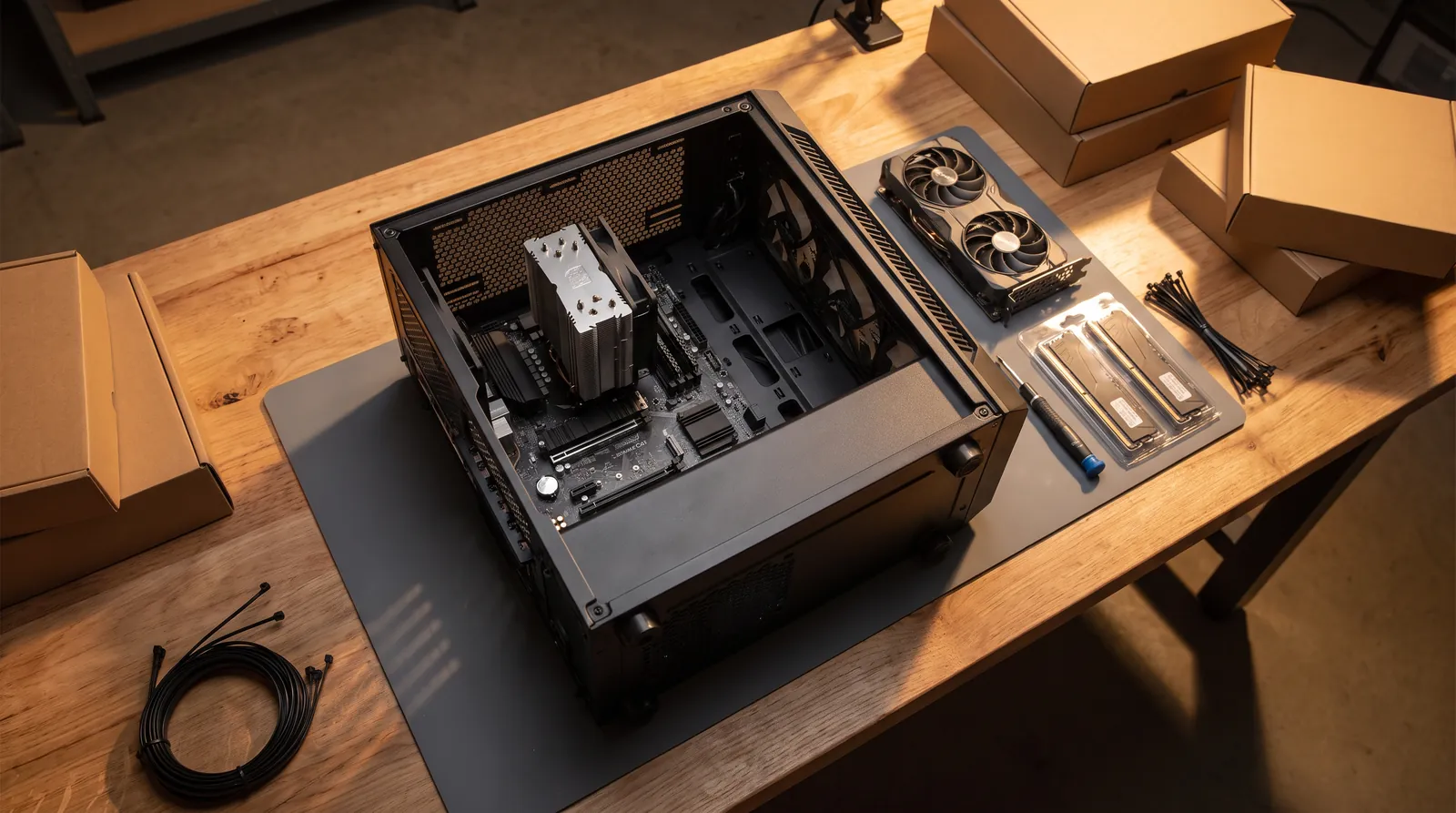
Video Editing PC in India: Which Specs Really Matter
A video editing PC is built around your footage: a graphics card that can decode your camera's files, enough memory for your resolution, and fast SSDs kept separate for the system, your media and the cache. Here is what each part does, how much you need, and what it costs with us.
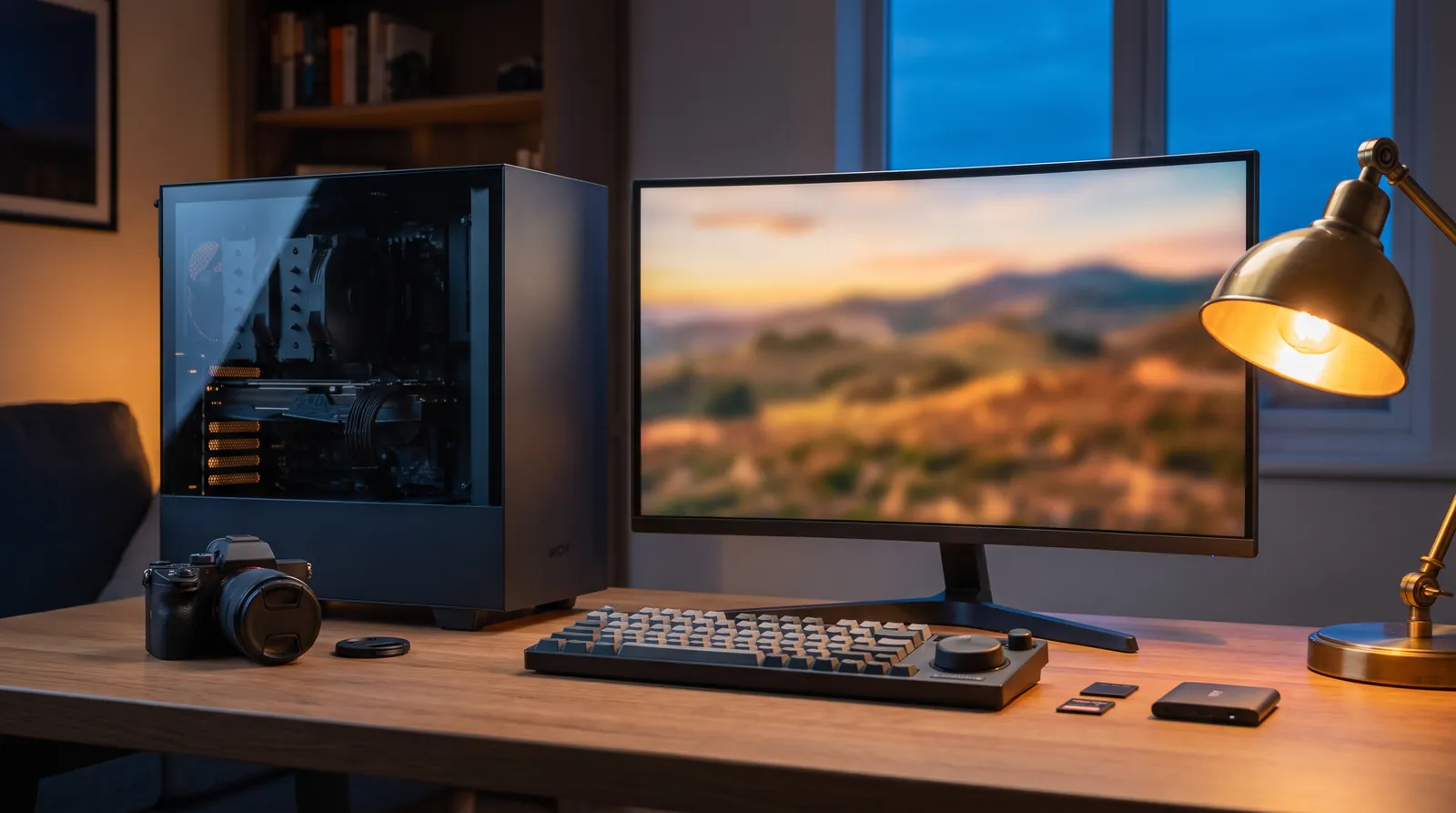
A good video editing PC is not just a fast gaming PC with a different label. It is built around your footage: a graphics card that can decode the files your camera records, enough memory for your resolution, and fast SSDs kept separate for the system, your media and the cache. Get those three right and the processor matters less than most spec sheets suggest. We build editing, 3D and CAD PCs in Pune, and this is how we size an editing machine.
What matters most in a video editing PC?
Start with your footage, not the parts list. Three questions decide most of the build:
- What does your camera record? Phone and mirrorless footage is usually H.264 or HEVC. Many cameras can also record 10-bit 4:2:2, which is much harder to play back smoothly. Check your camera's spec sheet.
- What resolution do you deliver? 1080p, 4K and 6K or 8K need very different amounts of memory and storage.
- Which software do you use? Premiere Pro and DaVinci Resolve both lean heavily on the graphics card for playback, effects and export.
The answers point to the graphics card first, then memory, then storage, then the processor.
Which graphics card is best for video editing?
The graphics card does more of the editing work than it used to. It decodes the footage so the timeline plays smoothly, runs many effects and colour tools, and encodes the final export.
Two things to look for:
- Hardware decode for your codec. NVIDIA says its GeForce RTX 50 Series adds hardware decoding for H.264 and HEVC in 10-bit 4:2:2, and that Premiere Pro and DaVinci Resolve support it. If your camera records 4:2:2, this is the single biggest upgrade for smooth playback, because older cards hand that work back to the processor.
- Enough graphics memory. Adobe recommends 8 GB of GPU memory for Premiere Pro. More helps with 4K and higher timelines, heavy effects and noise reduction. In NVIDIA's own specs, the RTX 5060 Ti comes in 8 GB and 16 GB versions, the RTX 5070 Ti has 16 GB and the RTX 5090 has 32 GB.
For most editors, a 16 GB card is the comfortable middle. The RTX 5090's 32 GB is for 8K, long multicam timelines or editors who also run AI tools on the same machine.
How much RAM do you need for video editing?
Adobe's Windows requirements for Premiere Pro list 16 GB of RAM for HD media and 32 GB or more for 4K and higher.
Our advice is to treat those as floors:
- 1080p editing: 32 GB gives room for a browser, music and a second app alongside your editor.
- 4K editing: 32 GB works for simple cuts; 64 GB is the better choice for long timelines, heavy effects or After Effects running alongside.
- 6K, 8K or heavy compositing: 64 to 128 GB.
Memory is also the cheapest part to get right on day one. Buying two matched sticks now is easier than adding to a half-filled board later.
What storage setup works best for editing?
Storage speed shapes how the timeline feels, and so does how you split it. Adobe's own recommendation is a fast internal SSD for the app and its cache, with your media on additional fast drives.
A layout that works well:
- System and apps: one NVMe SSD for Windows and your editing software.
- Media: a second NVMe SSD for the project you are cutting now.
- Cache and previews: a third fast SSD, or a separate folder on the media drive for smaller projects.
- Archive and backup: a large hard drive or external drive for finished projects. Keep at least one copy off the PC.
Spending on a big, fast media drive often does more for day-to-day editing than a faster processor.
Does the processor matter for editing?
Yes, but later than most people think. With hardware decode on the graphics card, the processor does less of the playback work. It still matters for:
- exports in software codecs and some effects;
- running several apps at once (editor, After Effects, a browser, music);
- formats your graphics card cannot decode in hardware.
A modern processor with plenty of cores is right for 4K and above. For 1080p work, money moved from the processor to memory or a better graphics card usually pays off more.
What PC configuration do you need for video editing?
Here is how we size an editing PC by the work it will do. These are our starting points, not fixed packages: every build is quoted for your footage and software.
| Your work | Memory | Graphics card memory | Storage | Notes |
|---|---|---|---|---|
| 1080p YouTube, reels and client edits | 32 GB | 8–16 GB | 1 TB NVMe system + 1–2 TB NVMe media | an RTX 50 card if your camera records 4:2:2 |
| 4K editing with colour and effects | 64 GB | 16 GB | 1 TB system + 2–4 TB NVMe media + cache SSD | the comfortable middle for most editors |
| 6K or 8K, multicam, heavy compositing | 64–128 GB | 16–32 GB | separate system, media and cache NVMe drives | consider a larger power supply and case for cooling |
If you are not sure which row you are in, send us a sample of your camera's file details and we will tell you.
Can one PC be both a gaming and editing PC?
Yes, and it often makes sense. A strong gaming PC already has most of what editing needs: a modern graphics card and a fast processor. Editing adds two things gaming does not need much of: more memory and more storage.
So a gaming and editing PC is usually a gaming build with 64 GB of memory instead of 32 GB, and a second NVMe drive for media. The graphics card choice is the same conversation for both: an RTX 5070 Ti or RTX 5090 serves 4K gaming and 4K editing well.
What does a video editing PC cost in India?
Our custom builds start at ₹1.5 lakh. Our three tiers have published floors:
- Core: from ₹1.5 lakh, for 1080p editing and gaming.
- Pro: from ₹2.6 lakh, where 4K editing with colour and effects is comfortable.
- Elite: from ₹8.5 lakh, for 8K, long multicam timelines and the RTX 5090.
Every build comes with an itemised quote on WhatsApp, usually the same day, so you see exactly which parts you are paying for. It is stress-tested before dispatch and comes with a 3-year service warranty: labour, diagnosis and claim handling are free for three years, and parts are covered by each maker's warranty. Delivery is free to your door in Pune, with insured shipping across India.
If you edit and also want to run AI models locally, look at our AI workstations instead: the Desk AI PC uses an RTX PRO 4500 or an RTX 5090 with 32 GB of graphics memory.
How to get your editing PC quoted
You can try a configuration yourself in our PC builder, or look at real builds we have delivered. The quickest route is to tell us four things: your camera and what it records, the resolution you deliver, the software you use and your budget. Ask for an itemised quote and we will reply with a parts list matched to your footage.
FAQ
Is 16 GB RAM enough for video editing?
For 1080p editing, 16 GB is Adobe's figure for HD media in Premiere Pro, so it works. We recommend 32 GB so you can keep other apps open while you edit.
Is 32 GB RAM enough for 4K video editing?
Adobe lists 32 GB or more for 4K and higher, so 32 GB is the floor. For long 4K timelines, heavy effects or After Effects alongside your editor, 64 GB is the safer choice.
Do I need a workstation graphics card like the RTX PRO for editing?
For most Premiere Pro and DaVinci Resolve work, a GeForce RTX card does the job. Workstation cards such as the RTX PRO 6000, with 96 GB of ECC memory, make sense for very large AI or 3D work, not for most editing.
What is the most important part of a video editing PC?
The graphics card, because it decodes your footage for smooth playback. Check that it can decode your camera's codec in hardware, especially 10-bit 4:2:2.
Is a desktop better than a laptop for video editing?
For regular 4K work, yes. A desktop holds more memory and more drives, cools better during long exports and can be upgraded part by part later.
Do you deliver outside Pune?
Yes. Delivery is free to your door in Pune, and we ship insured across India.